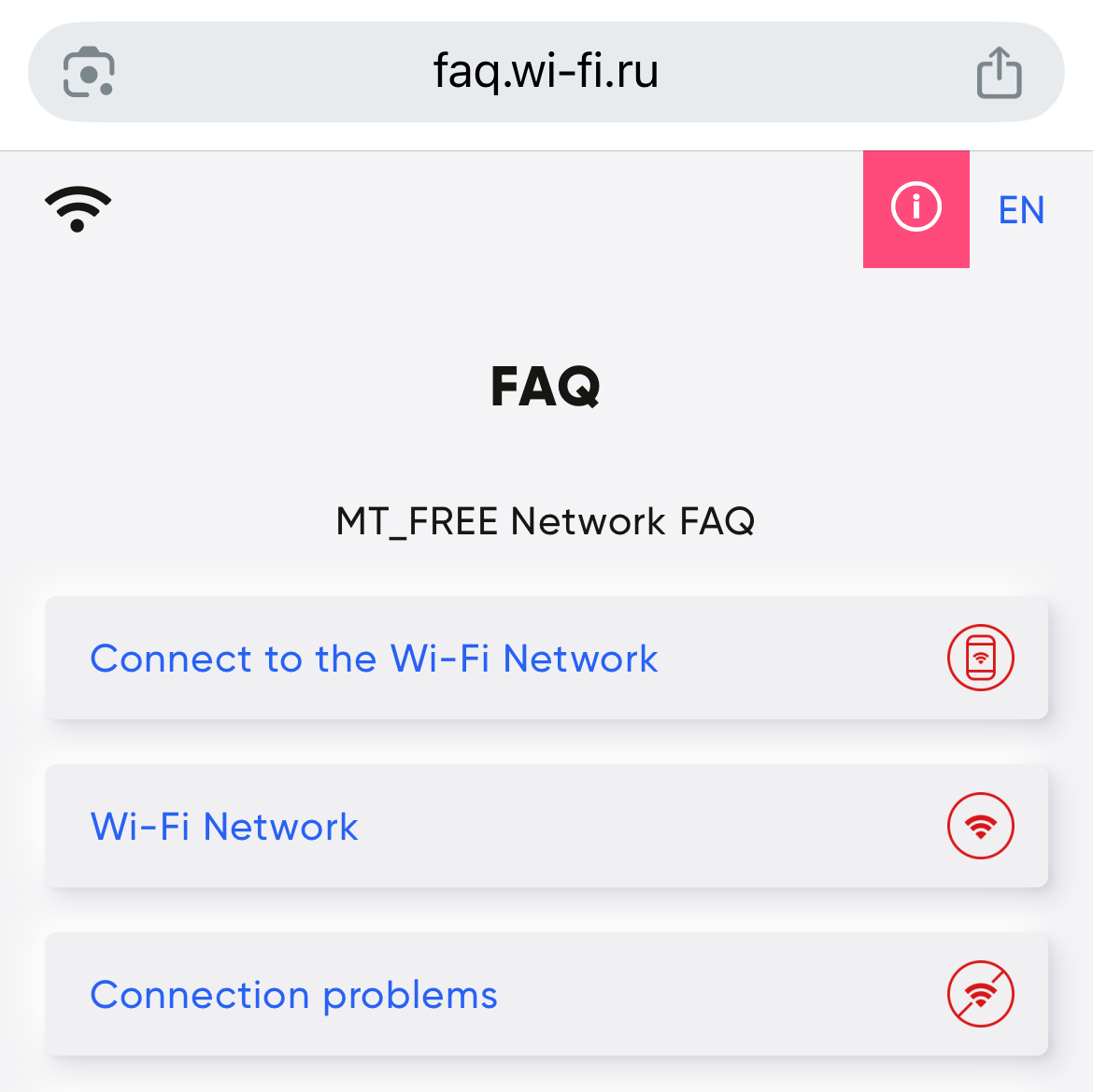
In Terminal A of Vnukovo International Airport, passengers and visitors have access to a free Wi-Fi network, allowing for quick and convenient internet connection from mobile devices, laptops, and tablets. To access the internet, please follow the step-by-step connection guide.
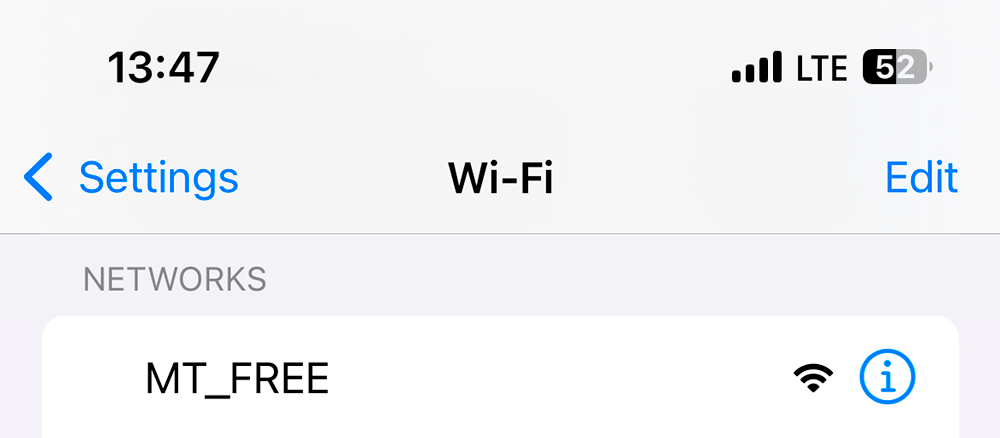
Step 1
Select the wireless Wi-Fi network "MT_FREE".
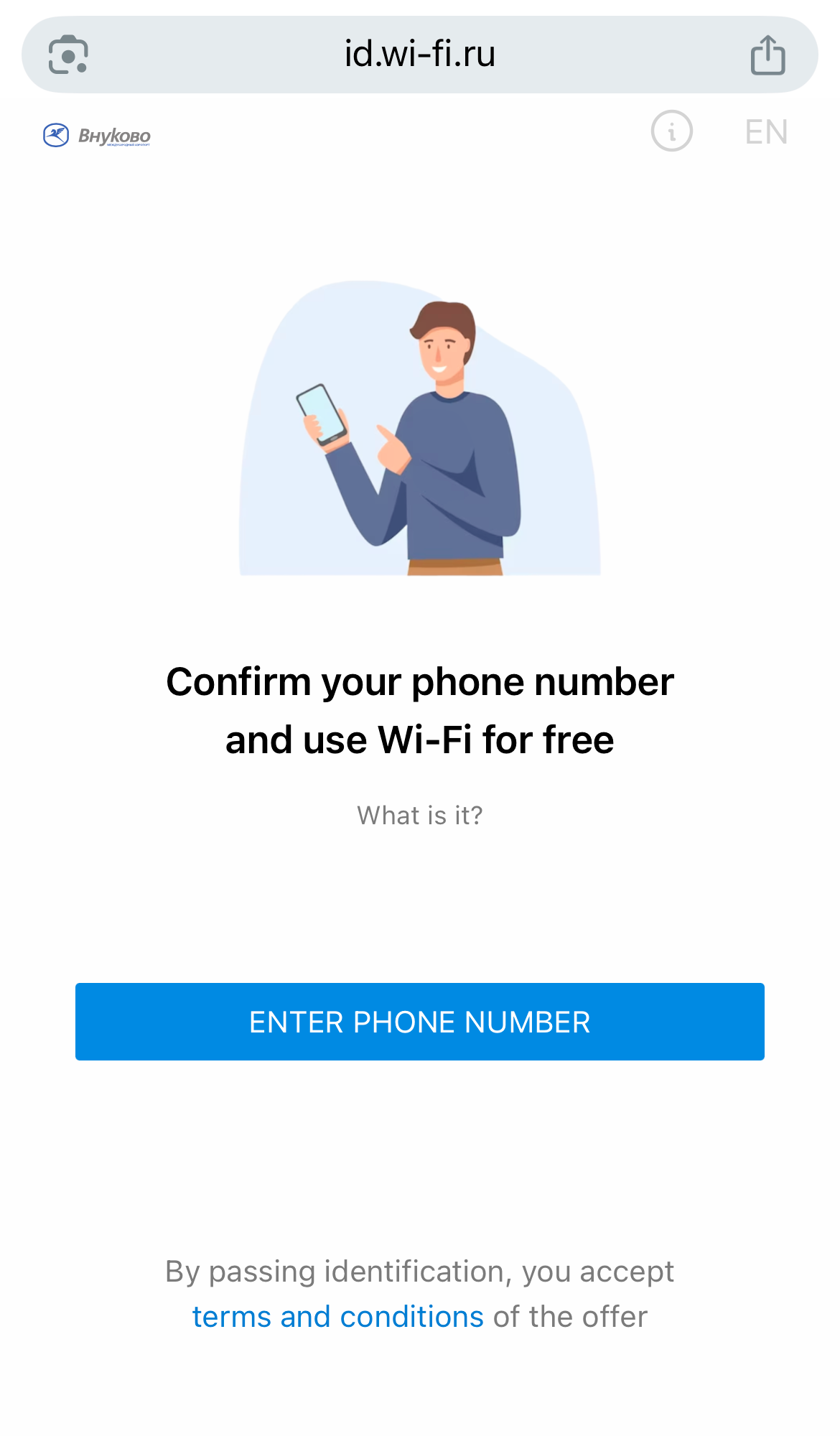
Step 2
Next, you need to complete authorization. Click the «Enter phone number» button.
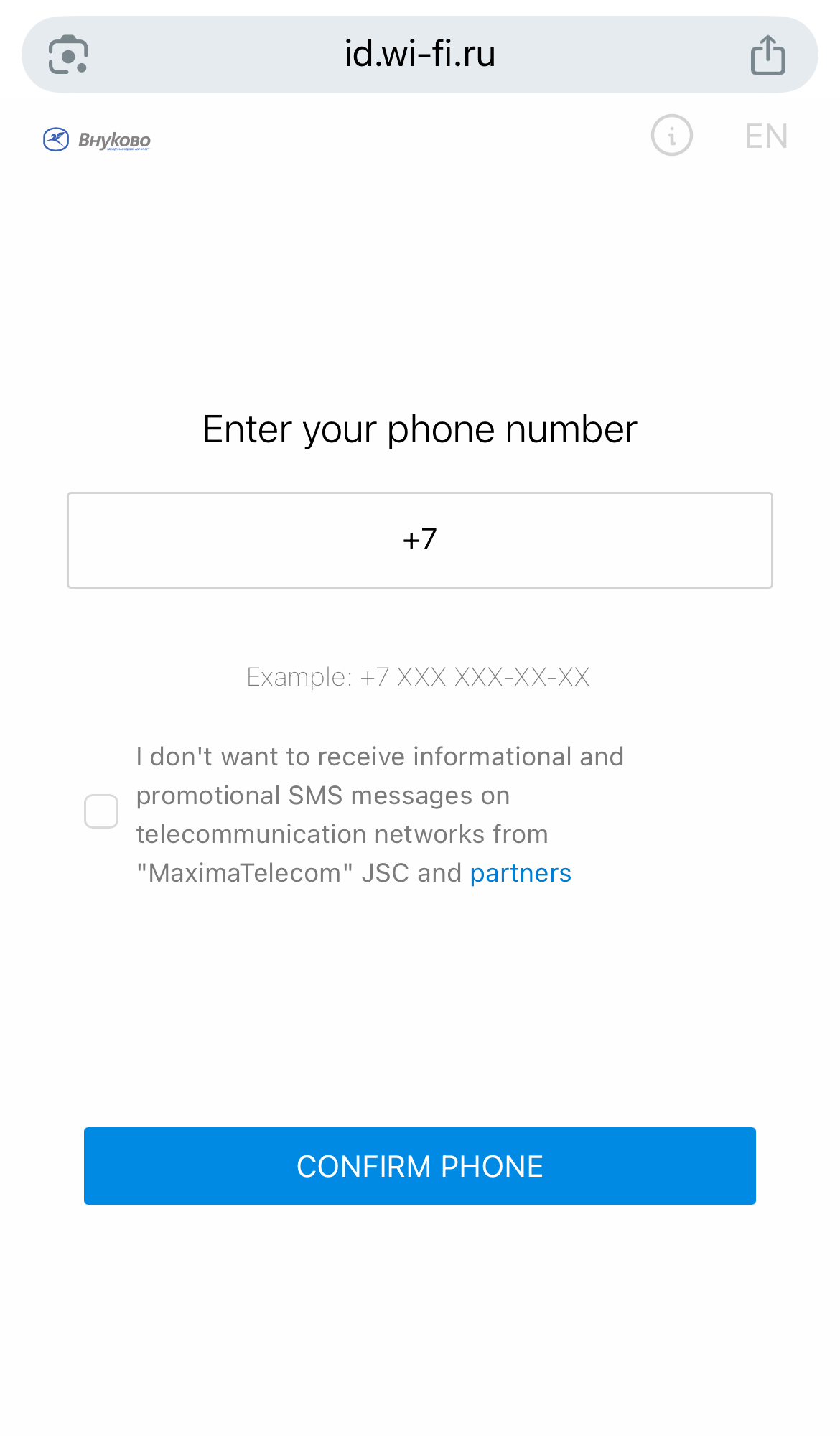
Step 3
Enter your phone number and click the «Confirm phone» button.
Step 4
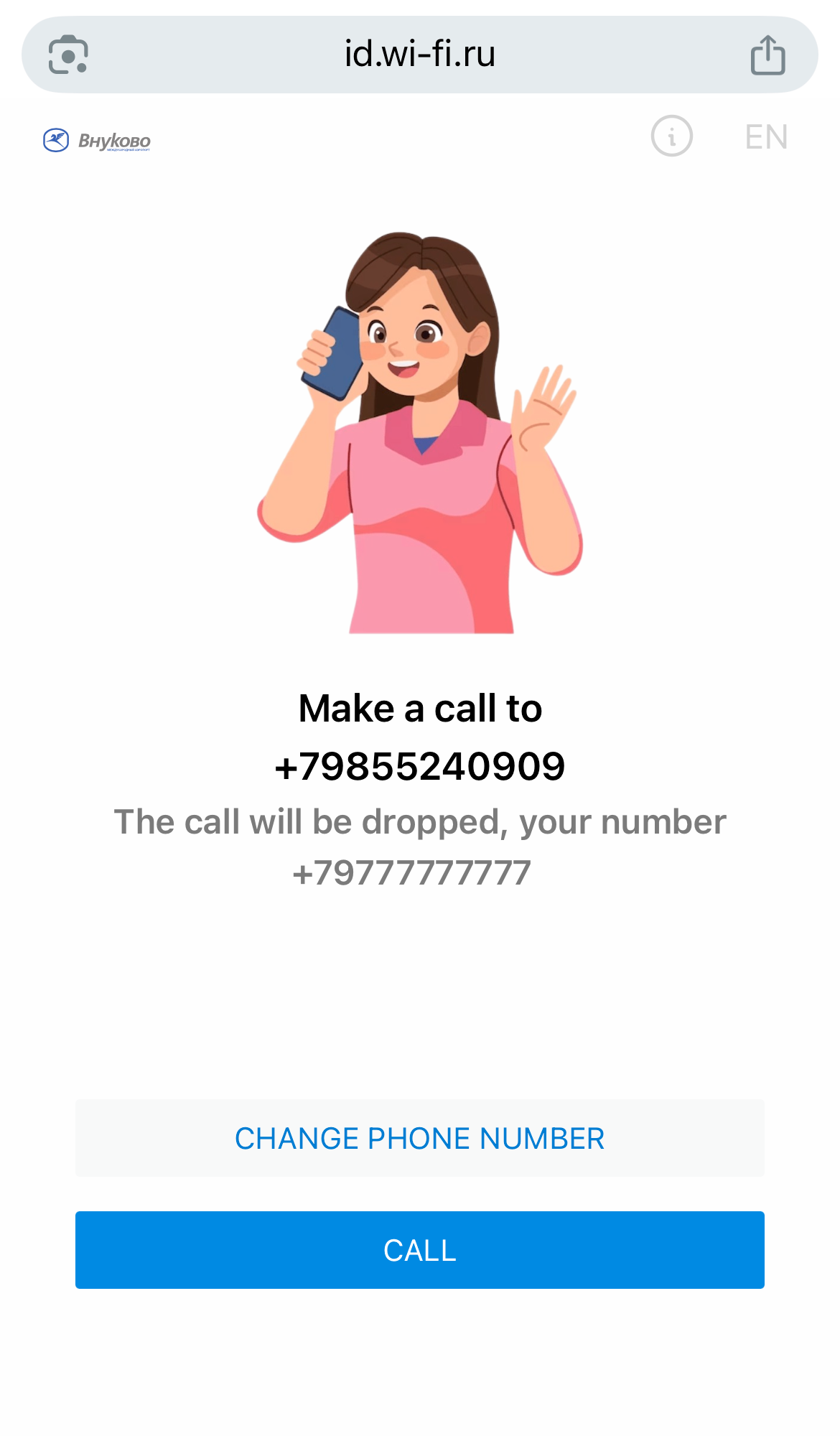
Make a call to the specified number or click the «Call» button.
Step 5
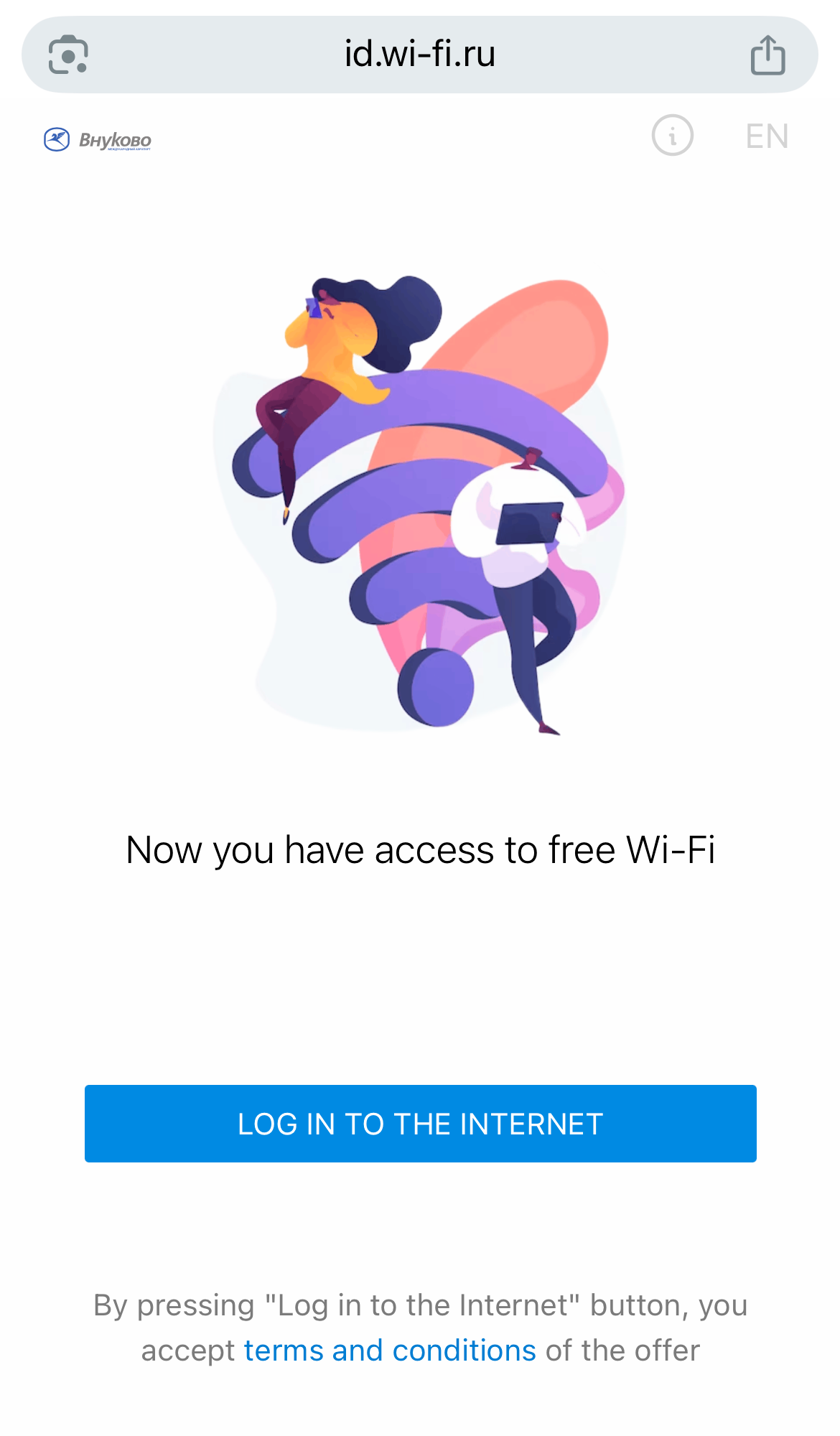
After the call, your number will be confirmed, and you will gain access to free internet. Click the «Log in to the internet» button.
In the FAQ section, you will find answers to frequently asked questions about the MT_FREE network and its additional features, as well as contact information for the network’s technical support service.